
The AI
Operating System
for Entrepreneurs.
A connected set of AI solutions for small business owners who need calmer intake, cleaner handoffs, better visibility, and more capacity without adding headcount.
What is an
AI operating system?
An AI operating system for a small business is the connected workflow layer that turns scattered tools, team knowledge, and repeat tasks into one usable system. It combines strategy, automation, custom interfaces, training, and ongoing support so work moves from request to result with AI assistance and human control. It gives owners one place to inspect progress and risk.
The system is built around the business, not around a single AI app. A request can enter through a form, call, email, or meeting note, then move into qualification, drafting, routing, approval, reporting, and follow-up without forcing the owner to become the integration layer.
For entrepreneurs, the value is practical leverage: fewer repeated handoffs, faster response, clearer dashboards, and a team that can inspect what AI prepared before a customer, client, or patient sees it.
The problem is not lack of tools. It is lack of operating structure.
Most small businesses already have enough software. The work still leaks through the gaps between the inbox, CRM, calendar, forms, documents, spreadsheets, and the owner's memory. AI adds little value when it sits beside that stack instead of connecting it.
Smarterflo designs the operating structure first, then places AI inside the workflow. That keeps automation tied to business rules, approval points, customer experience, and the few metrics that show whether the system is actually helping.
AI solutions
for small business.
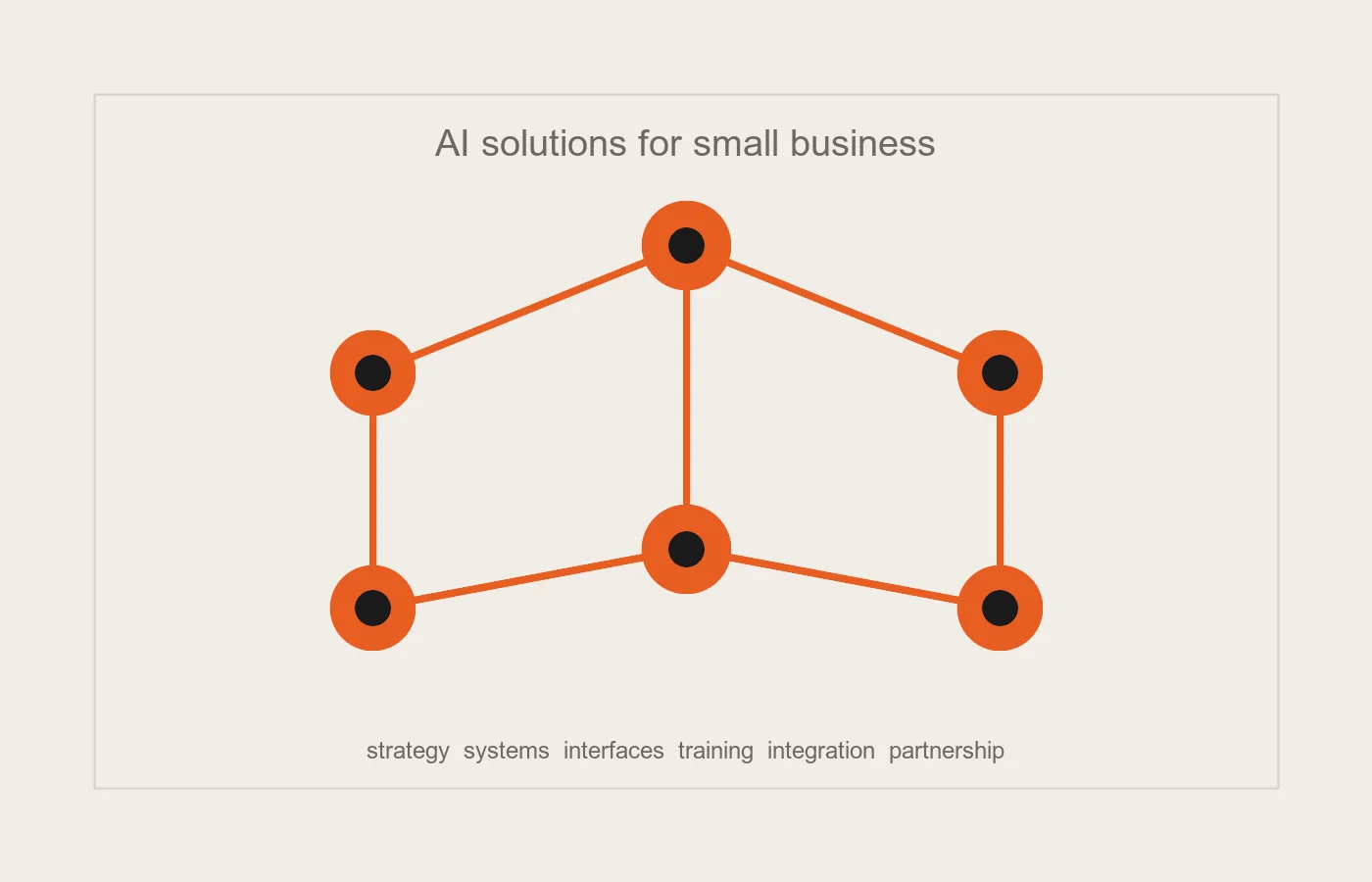
The AI Operating System brings Smarterflo's six services together as one connected implementation path. Each module can stand alone, but the real value appears when strategy, system design, custom interfaces, training, integration, and ongoing partnership reinforce each other.
AI Strategy & Consulting
Plan the right AI strategy for your small businessWe audit the business, rank the highest-value AI opportunities, and choose the first workflow worth building. The result is a roadmap that connects ambition to revenue, capacity, and adoption risk.
05.2Business Systems Design
Design the business system behind the AIWe turn scattered tools, handoffs, and decisions into a clear operating model before implementation starts. Your team sees how information moves, where AI helps, and who owns each exception.
05.3Custom Front-End Experiences
Build custom interfaces for AI-powered workflowsWe build dashboards, portals, internal tools, and customer-facing interfaces that make AI useful in daily work. The interface keeps the system inspectable instead of hiding decisions inside another tab.
05.4Team Training & Enablement
Train your team to use AI with confidenceWe train the team on the new workflow, approval points, prompts, and escalation rules. Adoption improves when people know what the system handles, what they still own, and how to correct it.
05.5Implementation & Integration
Connect AI implementation to your existing toolsWe connect forms, CRM, inboxes, calendars, documents, reporting, and AI tools around the approved workflow. The build focuses on practical movement from input to outcome, not novelty.
05.6Ongoing Partnership
Keep improving your AI operating systemWe stay close after launch to tune workflows, review adoption, monitor results, and expand the next useful slice. AI systems keep working when someone owns the operating rhythm after the first release.
Build the system before you scale the automation.
Assess the operating drag
We map where requests enter, where they stall, which decisions repeat, and which tools already hold useful data.
Design the system before the tool
We define handoffs, fields, permissions, approval rules, dashboards, AI roles, and the first useful release.
Build the connected workflow
We connect your existing tools, create the missing interface, and keep humans in control of sensitive or high-value decisions.
Train the team into the rhythm
We document the workflow, train approvals and exceptions, and make the system understandable for nontechnical operators.
Tune from real use
After launch, we review what happened, tighten the rules, and decide which next workflow deserves implementation.
to a focused first release
A useful slice ships before the whole operating layer is complete.
connected into one implementation path
Strategy, design, build, training, integration, and partnership reinforce each other.
across tools and handoffs
The owner stops acting as the manual bridge between every app.
over approvals and exceptions
AI prepares and routes work, while people own judgment and relationships.
Useful for teams ready to operationalize AI.
Fit for
- Owner-led businesses with 2-25 people and repeated work moving through too many tools.
- Entrepreneurs who know AI should help but need the first practical system scoped and shipped.
- Service businesses where intake, follow-up, delivery, reporting, or admin handoffs slow revenue.
- Teams that want AI support without losing human approval, customer warmth, or operational visibility.
Not for
- Businesses looking for a generic chatbot with no workflow design.
- Teams that cannot give access to process owners or current operating tools.
- Companies that want AI to make sensitive decisions without human review.
- Projects where the goal is trend exploration rather than a measurable operating improvement.
Questions owners ask before building.
What is an AI operating system for a small business?
What's included in Smarterflo's AI Operating System?
How much do AI solutions for small business cost?
How is this different from hiring an AI consultant?
How long does implementation take?
Do I need technical staff to run it?
The modules behind the AI Operating System.
- ExploreService
AI Strategy & Consulting
We audit the business, rank the highest-value AI opportunities, and choose the first workflow worth building. The result is a roadmap that connects ambition to revenue, capacity, and adoption risk.
- ExploreService
Business Systems Design
We turn scattered tools, handoffs, and decisions into a clear operating model before implementation starts. Your team sees how information moves, where AI helps, and who owns each exception.
- ExploreService
Custom Front-End Experiences
We build dashboards, portals, internal tools, and customer-facing interfaces that make AI useful in daily work. The interface keeps the system inspectable instead of hiding decisions inside another tab.
- ExploreService
Team Training & Enablement
We train the team on the new workflow, approval points, prompts, and escalation rules. Adoption improves when people know what the system handles, what they still own, and how to correct it.
- ExploreService
Implementation & Integration
We connect forms, CRM, inboxes, calendars, documents, reporting, and AI tools around the approved workflow. The build focuses on practical movement from input to outcome, not novelty.
- ExploreService
Ongoing Partnership
We stay close after launch to tune workflows, review adoption, monitor results, and expand the next useful slice. AI systems keep working when someone owns the operating rhythm after the first release.
Build the system your team can actually run.
Bring Smarterflo the workflow that keeps stealing owner attention. We will help decide whether an AI Operating System is the right next move and what first release should prove.